
Why do I need a DKIM record for email?
What DKIM Actually Does DKIM stands for DomainKeys Identified Mail. When you send an email, your server attaches a hidden cryptographic signature to the message header. That signature is created with…
What DKIM Actually Does
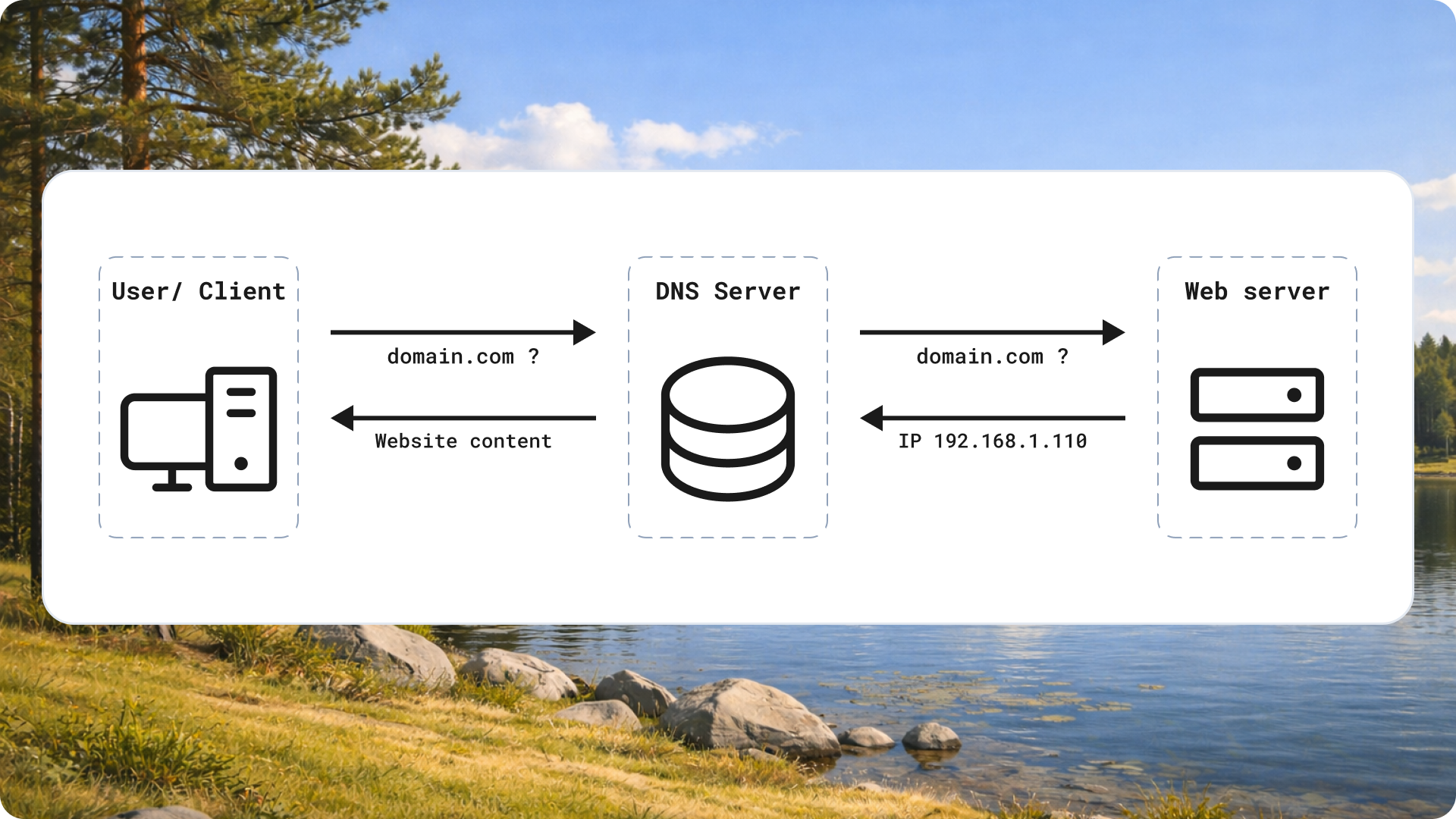
DKIM stands for DomainKeys Identified Mail. When you send an email, your server attaches a hidden cryptographic signature to the message header. That signature is created with a private key that only your domain controls. The matching public key sits in your DNS records, where any receiving mail server can look it up.
Here's the check that happens in milliseconds: the receiving server reads your signature, fetches your public key from DNS, and confirms the two match. If they do, the message is proven to come from your domain and to have arrived unaltered. If someone forged the sender or tampered with the content in transit, the signature breaks and the check fails.
DKIM does not encrypt your email or hide its contents. It does one job: it proves authenticity. For a salesperson, that distinction matters. You're not protecting secrets. You're proving you are who you say you are, every single time you hit send.
Why Your Emails Land in Spam Without It
Mailbox providers like Gmail and Outlook treat unsigned mail with suspicion. Spammers and phishers routinely forge sender addresses, so an email with no way to verify its origin looks like a risk. Without DKIM, the provider has fewer reasons to trust you, and trust is the currency of deliverability.
This hits cold outreach hardest. When you send one email to a colleague, a missing signature might slide through. When you send 200 prospecting emails a day from the same domain, the provider watches your patterns closely. No DKIM signal at that volume is a fast track to the spam folder, or worse, a full block.
Since February 2024, Gmail and Yahoo require bulk senders to authenticate their mail with DKIM. This is no longer a best practice you can skip. It's a gatekeeping requirement.
DKIM, SPF, and DMARC Work Together
DKIM rarely acts alone. It works alongside two other DNS records, and each covers a different gap.
- SPF (Sender Policy Framework) lists which servers are allowed to send email for your domain. It answers: "Is this server authorized?"
- DKIM proves the message wasn't forged or altered. It answers: "Is this message authentic?"
- DMARC (Domain-based Message Authentication) ties the two together and tells receiving servers what to do when a check fails, such as reject or quarantine the message.
SPF alone can be bypassed when mail is forwarded, because forwarding changes the sending server. DKIM survives forwarding because the signature travels with the message. That's why you need both. DMARC then enforces a policy on top, so failed messages get handled the way you decide rather than left to guesswork. Set up all three and you present a coherent, trustworthy identity to every inbox provider.
What This Means for Your Pipeline
Deliverability is the quiet number that decides whether your outreach works at all. If your emails land in spam, your open rate, reply rate, and meeting count all collapse, no matter how sharp your copy is. You can't book a call from a message nobody sees.
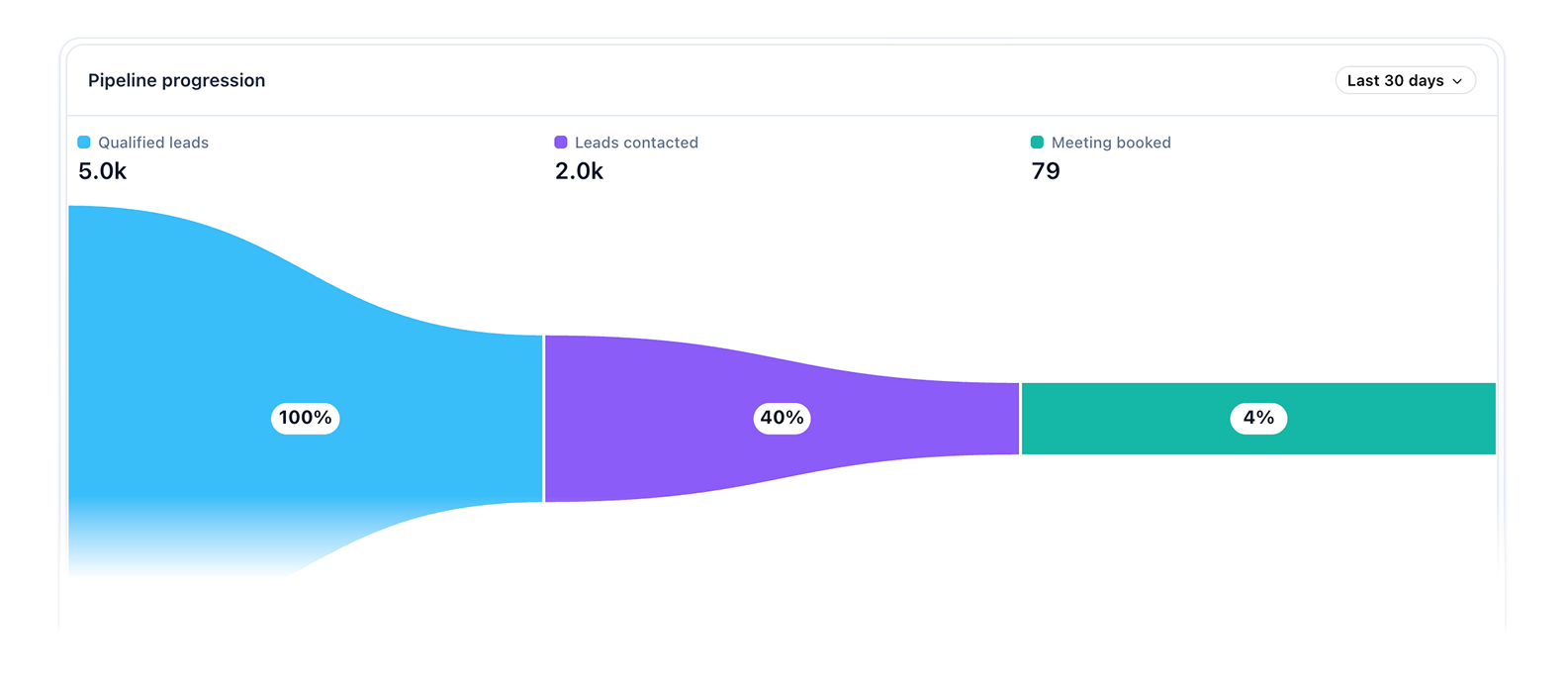
There's also a compounding effect. Every email that lands in the inbox and gets opened builds your domain reputation. Every one that bounces or gets flagged as spam chips away at it. DKIM protects the top of that cycle. A well-authenticated domain earns better placement over time, which lifts every campaign you run afterward.
For a team sending consistent volume, that reputation is an asset worth protecting. Skipping DKIM to save an hour of setup is a poor trade against months of degraded results.
Setting It Up
The process is short and you only do it once per sending domain.
- Generate a key pair. Your email provider or sending platform creates a private key (kept on their servers) and a public key (for your DNS). Most modern platforms do this automatically when you connect a domain.
- Add the DNS record. Copy the public key into a new TXT record on your domain's DNS. The record uses a specific name, usually something like
selector._domainkey.yourdomain.com. Your provider gives you the exact host and value to paste. - Verify it works. After DNS propagates (minutes to a few hours), use your provider's verification tool or a free DKIM checker to confirm the signature validates. Send a test email to yourself and inspect the headers for a
dkim=passresult.
While you're in your DNS settings, add SPF and DMARC records too. Doing all three in one sitting saves you from revisiting the same panel later.
Takeaway
Before your next send, run one check: send a test email to a Gmail address, open it, and look at the message details for dkim=pass. If it's missing or failing, fix it before you launch another campaign. A few minutes in your DNS settings protects every email you send after it.


