
Why do I need a DMARC record for cold email?
What is a DMARC Record? DMARC, or Domain-based Message Authentication, Reporting & Conformance, is a protocol that helps protect your email domain from unauthorized use. It works alongside other auth…
What is a DMARC Record?
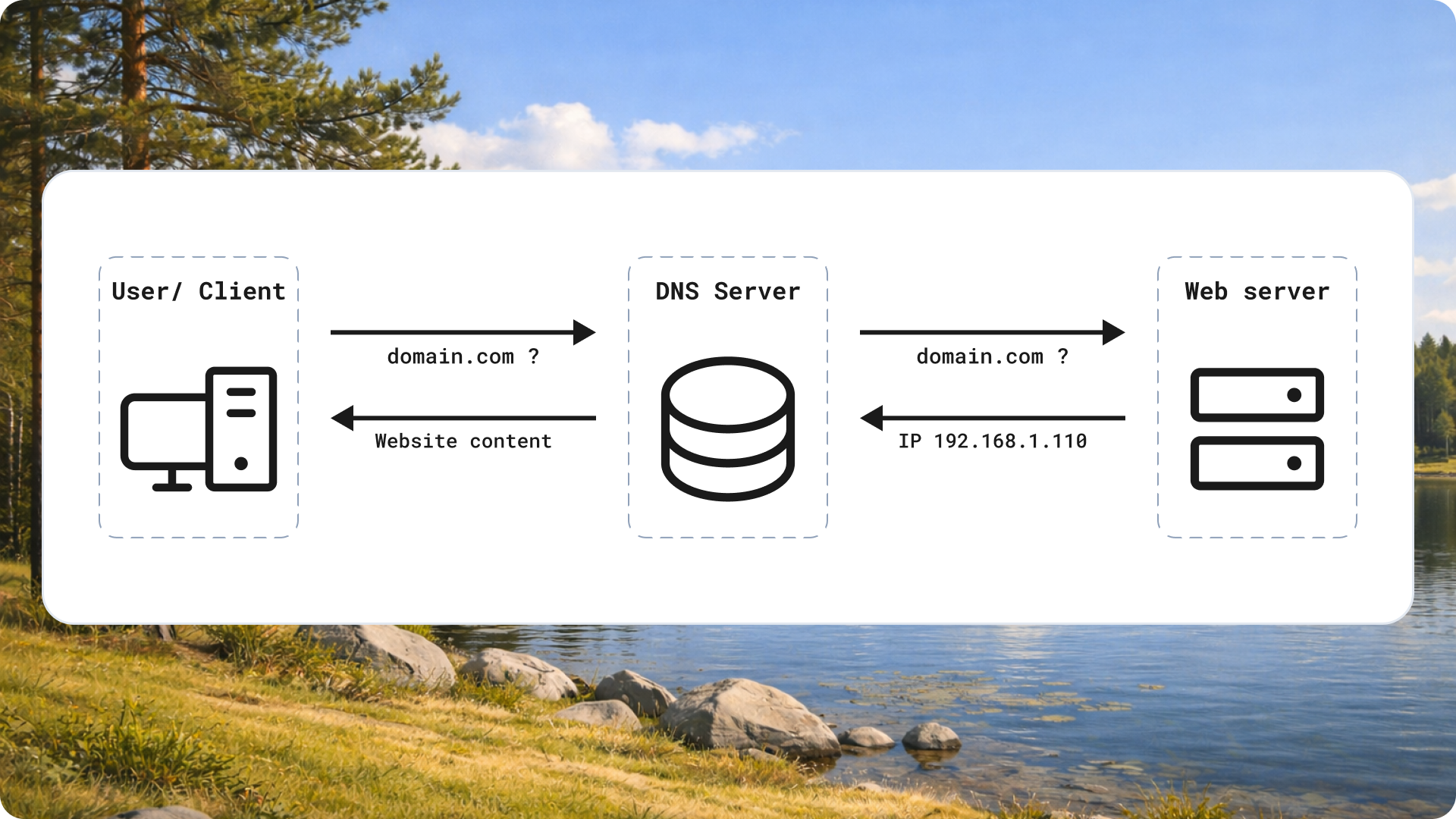
DMARC, or Domain-based Message Authentication, Reporting & Conformance, is a protocol that helps protect your email domain from unauthorized use. It works alongside other authentication methods like SPF (Sender Policy Framework) and DKIM (DomainKeys Identified Mail). Together, these elements verify the authenticity of your emails. A DMARC record sits in your DNS settings, specifying how receiving mail servers should handle emails that fail authentication checks. Essentially, it tells recipient servers whether to accept, reject, or quarantine suspicious emails that claim to be from your domain.
Importance of DMARC for Cold Email
Cold email campaigns often face scrutiny. Many recipients are cautious about unknown senders. A DMARC record is important because it boosts your sender reputation. When your emails authenticate correctly, they are more likely to reach the inbox instead of the spam folder. This visibility is crucial for cold outreach. If recipients see that you have proper authentication measures in place, they are more likely to trust your messages. A strong DMARC policy can lead to higher open rates and better engagement.
How DMARC Protects Against Fraud
Email spoofing is a common tactic used by cybercriminals. They disguise their emails to appear as if they come from legitimate sources. DMARC helps combat this threat by verifying that messages are genuinely from the claimed sender. When DMARC is properly set up, it prevents unauthorized users from sending emails on behalf of your domain. This not only protects your business from phishing attacks but also safeguards your audience from scams. Trust is critical in business communications, and DMARC adds a layer of security that can significantly lower the risk of fraud.
Setting Up a DMARC Record
Implementing a DMARC record may sound daunting. Fortunately, the process can be straightforward. First, log in to your DNS provider's management console. Locate the section for DNS records. Next, create a new TXT record for your domain. The name of the record should be.
"_dmarc.yourdomain.com." In the value field, you’ll enter parameters like "v=DMARC1; p=none; rua=mailto:dmarc-reports@yourdomain.com".
This snippet tells email providers what actions to take and where to send reports about your domain's email performance. After saving your changes, wait for propagation and then monitor the reports to adjust your DMARC policy as needed.
Conclusion: Enhancing Trust through DMARC
Having a DMARC record is essential for any business engaging in email communication, especially for cold outreach. It not only protects your domain but also enhances your credibility. By reducing the likelihood of your emails being marked as spam, DMARC increases your chances of reaching your audience effectively. Investing time in setting up this protocol can yield significant returns in trust and engagement rates. Secure your email communication with DMARC for a more successful outreach strategy.


